Most Blogger users think their blogs just disappear into the void. You write posts, hit publish, and wait. But no one finds them. Not because your content is bad - but because Blogger SEO isn’t set up right. The truth? Blogger can rank just as well as WordPress if you tweak a few things. No plugins. No fancy tools. Just smart, simple changes.
Fix Your Blog Title and Tagline
Your blog’s title isn’t just a name. It’s the first thing Google sees. If your title is "My Random Thoughts," Google has no idea what you write about. That kills your chances before you even start.
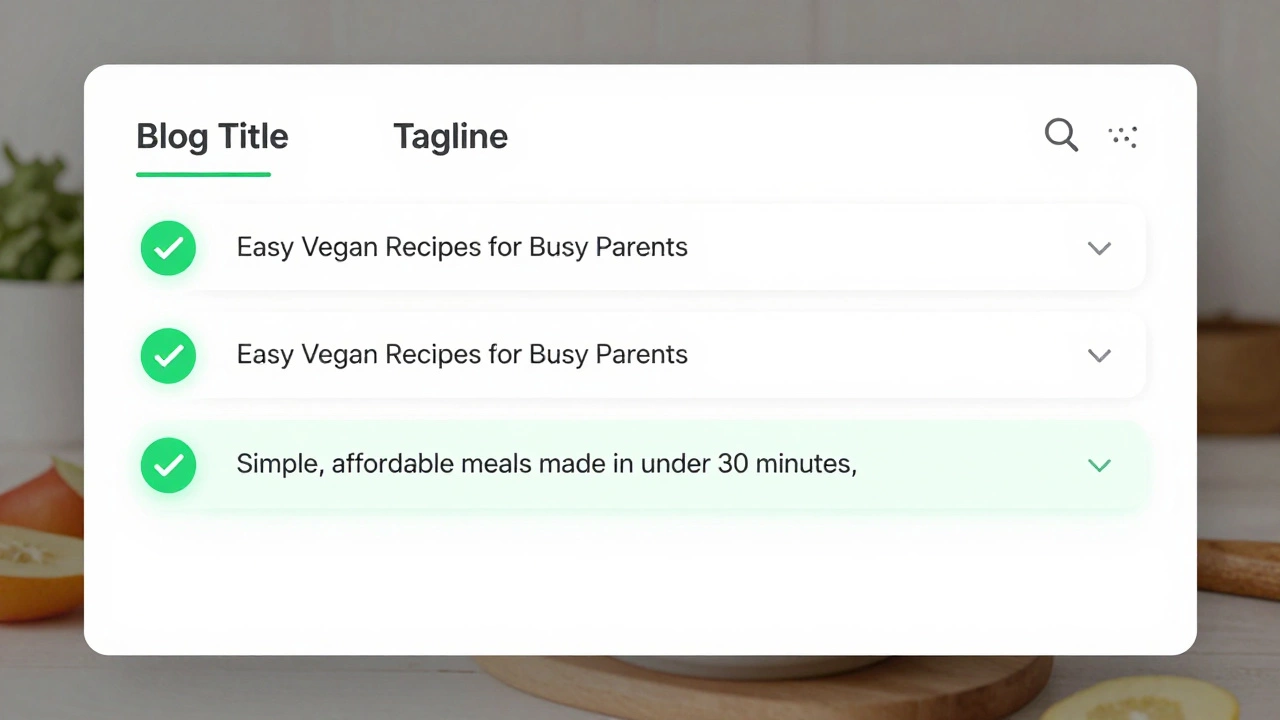
Go to Blogger Dashboard > Settings > Basic. Change your blog title to include your main topic. Instead of "My Random Thoughts," try "Easy Vegan Recipes for Busy Parents" or "Budget Travel Tips for Students in London." Be specific. Include a keyword people actually search for.
Same goes for the tagline. Don’t leave it blank. Use it to clarify your niche. Example: "Simple, affordable meals made in under 30 minutes." This tells Google and humans exactly what you offer.
Use Descriptive, Keyword-Rich Post Titles
Your post titles need to match what people type into Google. Don’t write "Why I Love Coffee." Write "How to Brew the Best Cold Brew Coffee at Home (No Machine Needed)."
Look at search results for your topic. What phrases keep appearing? Use those. Tools like Google Trends or AnswerThePublic can help, but you don’t need them. Just type your topic into Google and see what autocomplete suggests. That’s your keyword.
Put the main keyword near the front. "How to fix slow Blogger loading" is better than "Here’s a trick I learned to fix my Blogger blog’s speed."
Optimize Your Post URLs
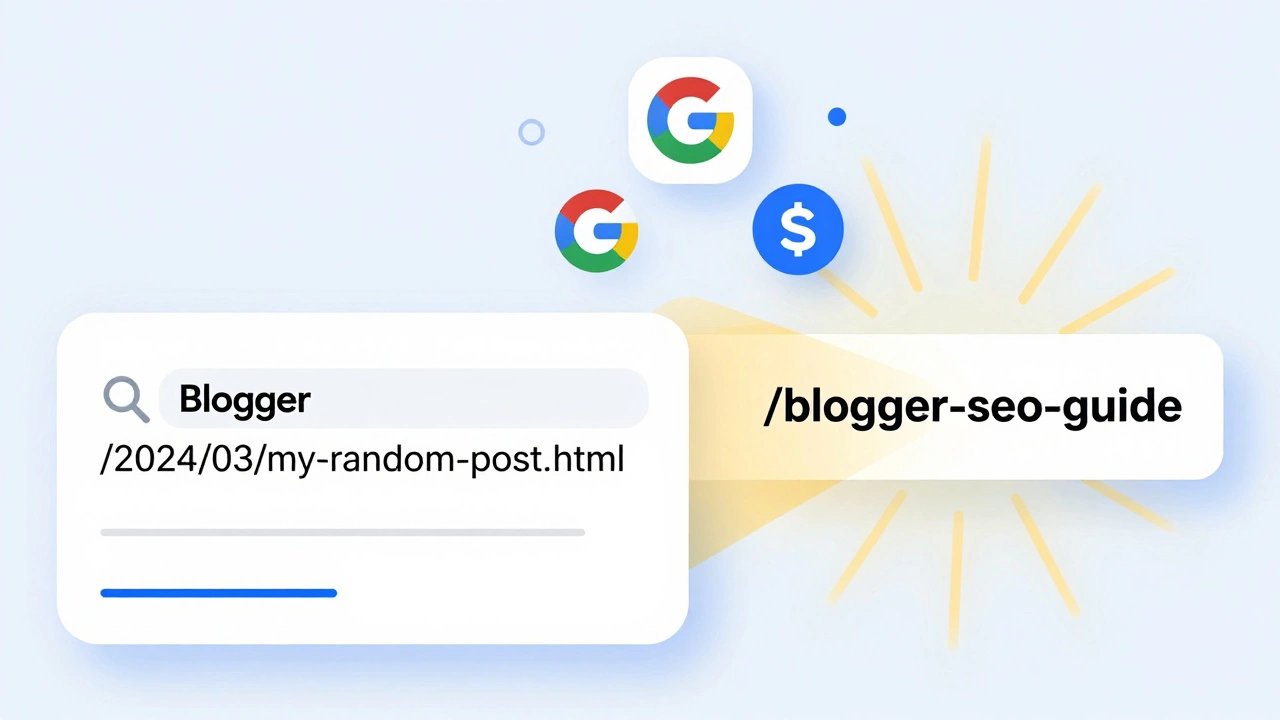
Blogger auto-generates URLs like /2024/03/my-random-post.html. That’s useless for SEO. Change it.
When writing a new post, click "Permalink" under the title field. Edit it to be short, clear, and keyword-focused. For example:
- Bad:
/2024/03/blogger-seo-tips.html - Good:
/blogger-seo-guide
Remove dates. They make URLs look outdated. Use hyphens between words. No underscores. Keep it under 60 characters.
For old posts, edit their permalinks one by one. It takes time, but it pays off. Google rewards clean, readable URLs.
Write Better Meta Descriptions
Every post needs a custom meta description. It’s the snippet Google shows under your title in search results. If you don’t write one, Blogger pulls random text - often from the first paragraph. That looks sloppy.
Go to Settings > Search Preferences > Meta Tags. Turn on "Description" and click "Edit." Then, for each post, write a 150-character summary that answers the question: "Why should someone click this?"
Example: "Learn 7 proven ways to make your Blogger blog rank higher on Google - no coding needed. Includes real examples from blogs with 10k+ monthly visitors."
Use Headings Like a Pro
Don’t just use bold text. Use proper headings: H1, H2, H3.
Your post title is the H1. Only one per page. Then use H2s for major sections. H3s for subsections. Google uses these to understand your content structure.
Example:
- H1: How to Make Your Blogger Blog More Searchable
- H2: Fix Your Blog Title and Tagline
- H2: Use Descriptive, Keyword-Rich Post Titles
- H3: How to Choose the Right Keywords
Each H2 should include your keyword or a close variation. Don’t stuff. Just make it natural.
Add Internal Links Between Your Posts
Linking your own posts is one of the easiest ways to boost search visibility. It tells Google your blog is connected, organized, and worth crawling deeper.
When you write a new post, ask: "Which of my older posts cover a related topic?" Then link to them. Example: If you write about "how to speed up Blogger," link to your older post on "Blogger image optimization."
Use descriptive anchor text. Not "click here." Say "learn how to reduce image load time" instead.
Do this for every post. Even if you only link to one other post per article. Over time, your blog becomes a web of helpful content - and Google loves that.
Use Keywords in the First 100 Words
Google pays attention to what you say right at the start. Don’t bury your keyword in paragraph five.
Open your post with a clear, direct sentence that includes your main keyword. Example:
"Making your Blogger blog more searchable starts with three simple changes: your title, your URLs, and your meta descriptions. Here’s how to do it."
This signals to Google that you’re on topic - and you’re answering the search query directly.
Optimize Images for Search
Every image you upload should have a descriptive file name and alt text.
Don’t upload "IMG_1234.jpg." Rename it before uploading: "vegan-breakfast-bowl-blogger.jpg"
Then, in the image settings, fill in the alt text. Don’t just say "food." Say: "Vegan breakfast bowl with avocado, tofu, and turmeric rice - perfect for busy mornings."
Alt text helps Google understand your image. It also helps people using screen readers. And yes - image search brings traffic too.
Submit Your Sitemap to Google
Blogger automatically generates a sitemap. But Google doesn’t always find it.
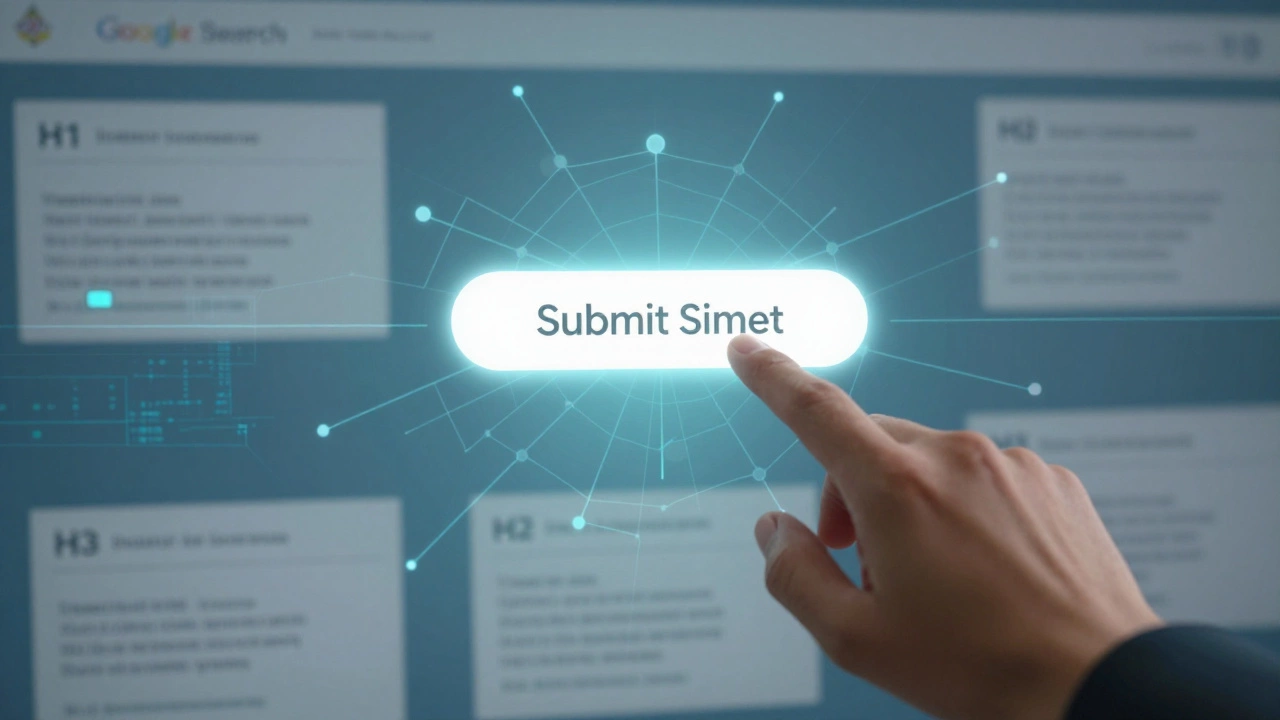
Go to Google Search Console (free). Add your blog URL. Verify ownership. Then, in the left menu, click "Sitemaps." Type in sitemap.xml and hit "Submit."
That’s it. Google will start crawling your posts more often. You’ll see your indexed pages climb within days.
Update Old Posts Regularly
Google favors fresh content. Even if your post is two years old, updating it helps.
Go back to your top 5 posts. Add new information. Fix broken links. Update stats. Change the date to today. That’s all.
Example: A post from 2022 saying "Blogger loads in 3 seconds" becomes outdated if new tests show 5 seconds. Update it with current numbers. Google notices.
Re-publishing doesn’t mean rewriting everything. Just make it accurate and better.
Use Labels Wisely
Blogger labels are like categories. But don’t overuse them. Don’t create 50 labels like "coffee," "tea," "morning," "breakfast," "healthy," "quick," etc.
Stick to 5-8 broad, meaningful labels: "Vegan Recipes," "Blogging Tips," "Budget Travel," "London Life."
Each label becomes a page that Google can index. So make sure each label page has useful content. Don’t just assign one post to a label. Group related posts under each one.
Example: Under "Blogging Tips," you have 12 posts. That’s a strong page Google will rank. Under "Coffee," you have one post. That’s weak.
Get Backlinks From Other Blogs
Backlinks - links from other sites to yours - are still powerful. But you don’t need to pay for them.
Comment thoughtfully on blogs in your niche. Don’t leave "Great post!" Leave a real comment that adds value. Then, if the blog owner likes it, they might link to your post.
Or, write a guest post. Find blogs that accept contributions. Offer to write a free article in exchange for one link back to your blog.
Even one solid backlink from a relevant site can boost your rankings.
Be Patient - But Consistent
SEO doesn’t work overnight. But if you do these things every week, you’ll see results. One post optimized. One old post updated. One new backlink. Over time, it adds up.
Check your stats in Google Search Console weekly. See which queries bring traffic. Write more about those. Double down on what works.
Blogger isn’t broken. It’s just underused. With these tweaks, your blog can compete with any platform. You don’t need to switch. Just optimize.
Does Blogger allow custom domains for better SEO?
Yes. Using a custom domain (like yourblog.com instead of yourblog.blogspot.com) improves trust and makes your site look more professional. Google treats both the same for ranking, but users are more likely to click on a clean domain. It also helps with backlinks and branding.
How often should I post to rank better on Google?
Quality beats frequency. Posting once a week with a well-optimized post is better than three rushed posts. Google rewards depth and usefulness, not just volume. If you can only post once every two weeks, make sure that post answers a real question thoroughly.
Can I use third-party widgets on Blogger without hurting SEO?
Some can. Avoid widgets that load slow - like excessive social media feeds, pop-ups, or ad-heavy sidebars. Every extra script slows your page. Google ranks faster sites higher. Stick to essential widgets: social sharing buttons, a simple newsletter form, and maybe a search box. Remove anything that doesn’t add clear value.
Do I need to use keywords in every paragraph?
No. Keyword stuffing hurts more than helps. Google looks for natural language. Use your main keyword in the title, first paragraph, one or two H2s, and the meta description. Sprinkle related terms naturally - like "search engine," "rank higher," or "traffic" - but don’t force them. Write for people first.
What’s the fastest way to see results from Blogger SEO?
Submit your sitemap to Google Search Console and update your top 3 old posts. Add custom permalinks, meta descriptions, and alt text. Then wait 7-14 days. That’s usually when you’ll start seeing new search traffic. Many bloggers see their first organic visits within two weeks after doing this.