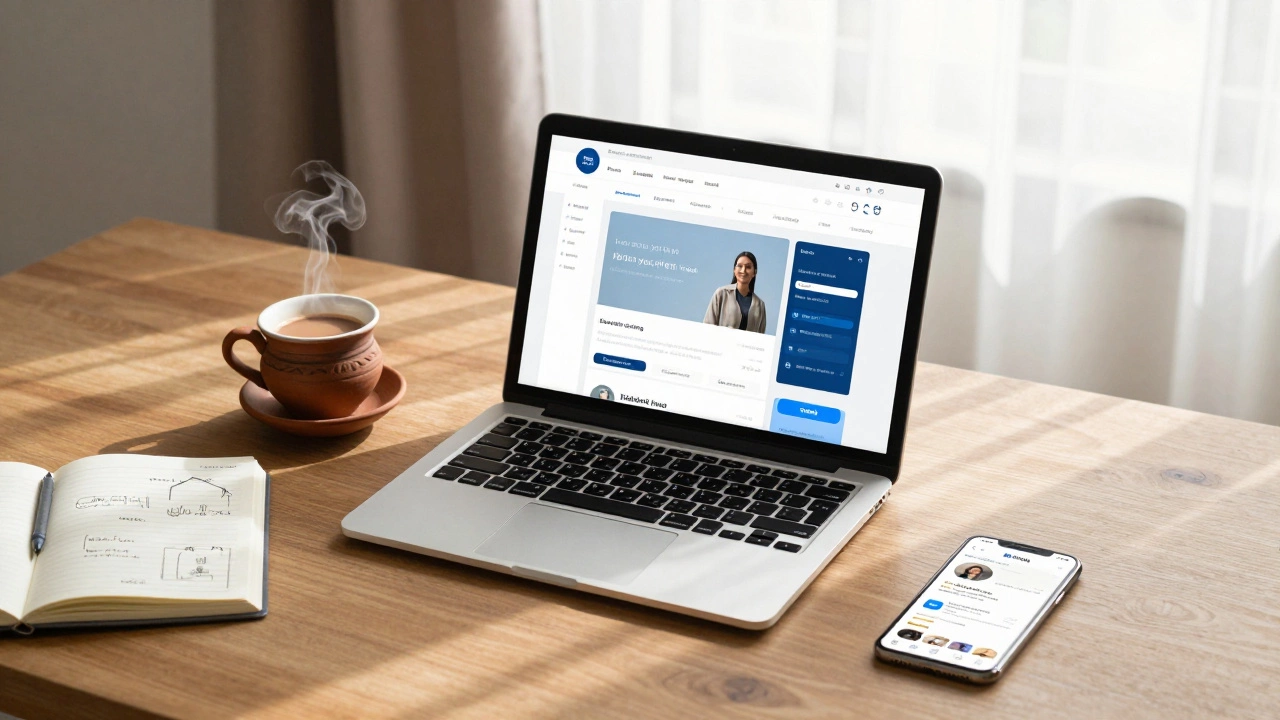
Free Blogging Platform Decision Tool
Select your primary goal to find your perfect match.
Platform Name
Compatibility Score
Key Features for You:
Warning details.
Select your priorities above
The tool will analyze your needs against the top 2026 platforms.
Starting a blog used to mean buying a domain, paying for hosting, and learning code. Not anymore. In 2026, you can publish your first post in under ten minutes without spending a single penny. But here is the catch: "free" usually comes with strings attached. You might lose control over your design, share ad revenue, or struggle to scale later.
The goal isn't just to get online; it's to build a platform that actually works for your goals. Whether you want to write poetry, review tech gadgets, or build a personal brand, choosing the right free tool now saves you from a painful migration later. Let's look at how to set up a professional-looking blog using the best free options available today.
Choosing Your Free Platform
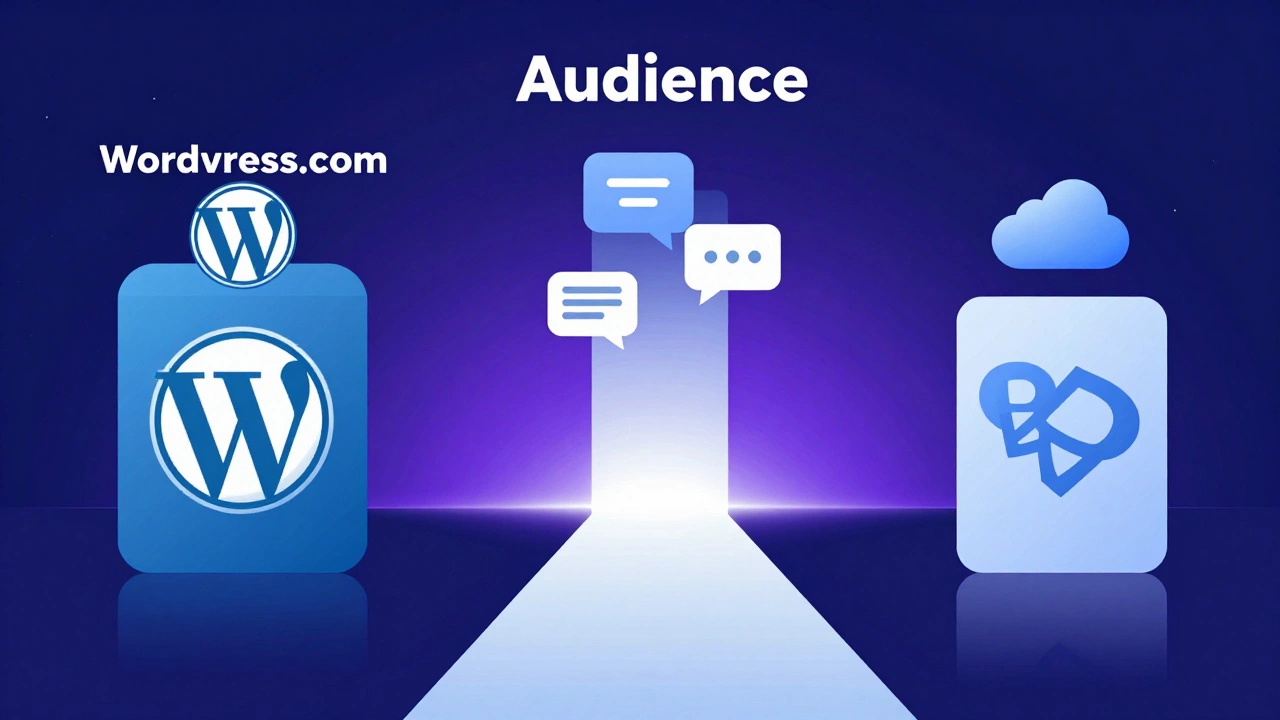
Not all free blogs are created equal. Some prioritize ease of use, while others offer more customization. For most beginners in 2026, three platforms dominate the zero-cost landscape: WordPress.com, a hosted version of the world's most popular CMS that offers robust features but restricts plugin usage on free tiers, Medium, a minimalist publishing platform focused on community engagement and built-in audience discovery, and Blogger, Google's legacy blogging service that remains fully free with no ads imposed by Google.
If you care about owning your content and eventually monetizing it yourself, WordPress.com is often the safest bet despite its limitations. If you just want to write and reach an existing audience quickly, Medium is unbeatable. Blogger is a niche choice, mostly useful if you already live in the Google ecosystem and want total simplicity.
| Feature | WordPress.com (Free) | Medium | Blogger |
|---|---|---|---|
| Custom Domain | No (subdomain only) | No | Yes (optional purchase) |
| Monetization | Limited (no ads) | Partner Program | AdSense allowed |
| Design Control | Moderate | Low (fixed themes) | High (HTML/CSS) |
| Audience Reach | You drive traffic | Built-in audience | You drive traffic |
| Storage Limit | 3 GB | Unlimited | 1 GB |
Step-by-Step: Setting Up WordPress.com
Since WordPress powers over 40% of the web, learning it is a valuable skill. Here is how to get your WordPress.com blog running for free.
- Create an Account: Go to WordPress.com and click "Start Your Website." You can sign up with Google or Apple for speed.
- Pick a URL: Choose a username. Your site will be
yourname.wordpress.com. Keep it short and memorable. Avoid numbers or hyphens if possible. - Select a Theme: Browse the free theme library. Look for "responsive" designs that look good on mobile phones. The "Twenty Twenty-Four" theme is a solid, modern default.
- Customize Basics: Add a profile picture and a short bio. This builds trust before readers even see your posts.
- Write Your First Post: Click "New Post." Use headings (H2, H3) to break up text. Add images from the built-in media library or free stock sites like Unsplash.
Remember, on the free plan, you cannot install plugins or upload custom CSS. You are working within their sandbox. That is fine for starting out, but keep this limitation in mind as you grow.
Why Content Strategy Matters More Than Design
You can have the prettiest blog in the world, but if the content is weak, nobody stays. When you start for free, your biggest asset is consistency. Aim to publish one high-quality post per week rather than five mediocre ones every Monday.
Focus on solving specific problems. Instead of writing "My Thoughts on Coffee," try "5 Ways to Brew Better Coffee Without Expensive Gear." Specificity attracts search engine traffic and keeps readers engaged. Use keywords naturally in your titles and first paragraph. Tools like Google Trends (free) can help you see what people are searching for right now.
Also, don't ignore SEO basics. Even on a free platform, you can optimize your SEO by adding alt text to images, using descriptive URLs, and linking to other relevant articles. These small tweaks signal to search engines that your content is valuable.
The Hidden Costs of "Free" Blogs
Let's be honest about the downsides. Free platforms often display their own ads on your site. On WordPress.com, they take a cut of any affiliate revenue you generate unless you upgrade. On Medium, you rely on their Partner Program algorithm, which can change overnight.
There is also the issue of portability. If you decide to leave Medium, exporting your articles can be messy. Formatting often breaks, and images may not transfer cleanly. This is why many writers treat free platforms as temporary homes. They write there to build an audience, then migrate to a self-hosted solution once they earn enough to cover hosting costs (usually around $5-$10 per month).
Another risk is feature lockout. As your blog grows, you'll likely want email marketing tools, advanced analytics, or custom fonts. Free plans rarely support these. Plan for this upgrade path early so you aren't surprised when you hit a wall.
Best Practices for Growth on Free Platforms
- Engage in Comments: Reply to every comment. It builds community and boosts your visibility in algorithms.
- Cross-Promote: Share your posts on LinkedIn, Twitter, or Pinterest. Don't just drop a link; add context and ask questions.
- Use Internal Linking: Link to your older posts from new ones. This keeps readers on your site longer and helps search engines crawl your content.
- Optimize Headlines: Spend time crafting titles. A good headline increases click-through rates significantly. Use numbers and power words like "Essential," "Proven," or "Quick."
- Track Analytics: Most free platforms offer basic stats. Check them weekly. See which posts perform best and double down on those topics.
When to Upgrade to Self-Hosting
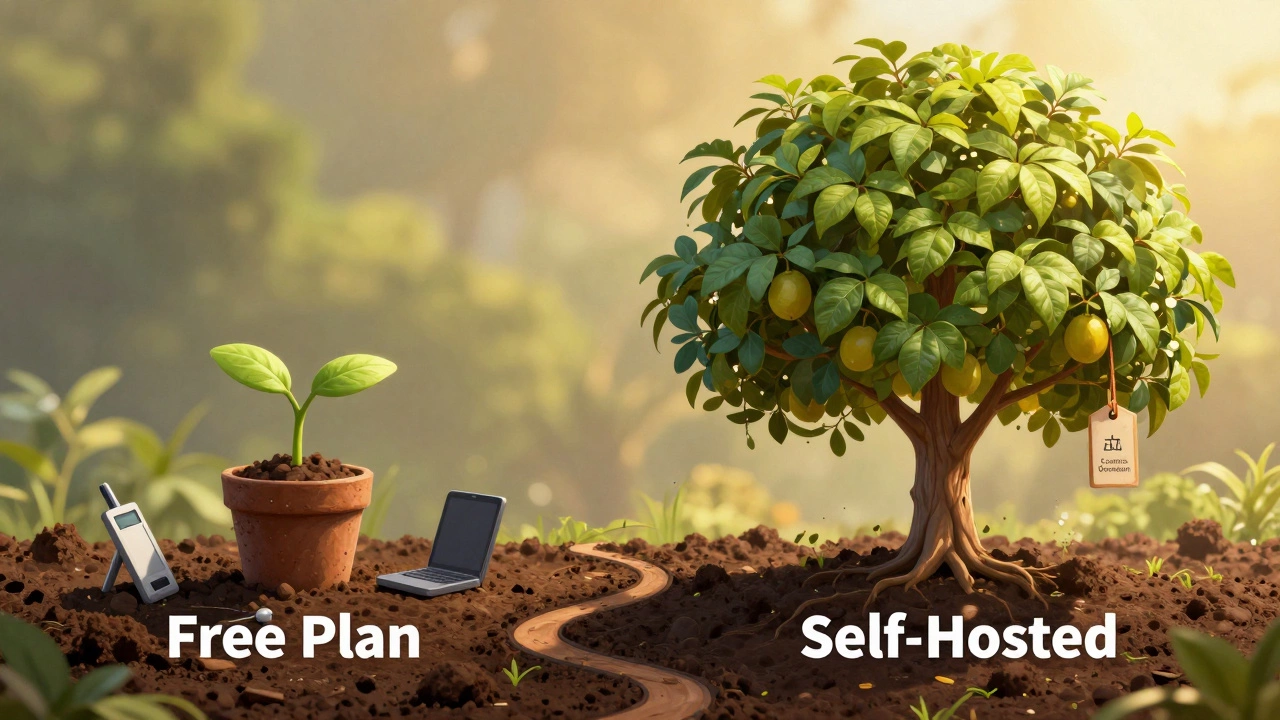
You should consider moving to a paid, self-hosted WordPress.org site when:
- You are making consistent income from affiliates or sponsorships.
- You need custom plugins for email lists or membership areas.
- You want full control over your design and branding.
- The platform's ads distract your readers or conflict with your brand voice.
Migrating is easier than you think. Most platforms allow XML exports. You can import this data into a self-hosted WordPress site. Just buy a domain name (around $10/year) and basic shared hosting. The transition pays off in professionalism and ownership.
Common Mistakes to Avoid
New bloggers often make avoidable errors that stall growth. One big mistake is neglecting mobile optimization. Over 60% of web traffic comes from phones. If your blog looks broken on mobile, readers bounce immediately. Always preview your posts on a smartphone before hitting publish.
Another error is ignoring copyright. Never use images from Google Images. Use free resources like Pexels, Pixabay, or Canva. Copyright strikes can shut down your account instantly, especially on strict platforms like Medium.
Finally, don't expect overnight success. Building an audience takes months, not days. Stay consistent, refine your voice, and focus on providing value. The money and fame follow the value, not the other way around.
Can I really make money on a free blog?
Yes, but indirectly. Free platforms rarely let you run your own ads. However, you can earn through affiliate marketing (recommending products), sponsored posts, or selling digital services. Medium's Partner Program also pays based on reading time, though payouts vary widely.
Is WordPress.com better than Wix for blogging?
For pure blogging, yes. WordPress.com is built specifically for content creation and has better SEO tools out of the box. Wix is a general website builder that is great for portfolios or small business sites but less optimized for long-form article publishing.
Do I need to know how to code to start a free blog?
No. Modern platforms like WordPress.com, Medium, and Squarespace use drag-and-drop editors or simple block-based interfaces. You can create a professional-looking site with zero coding knowledge.
What is the best free blogging platform for beginners in 2026?
It depends on your goal. For ease of use and built-in audience, choose Medium. For long-term growth and flexibility, choose WordPress.com. For total simplicity and Google integration, choose Blogger.
Can I move my free blog to a paid host later?
Yes. Most platforms allow you to export your content in XML or HTML format. You can then import this data into a self-hosted WordPress site. Note that some formatting and images may require manual adjustment during the transfer.