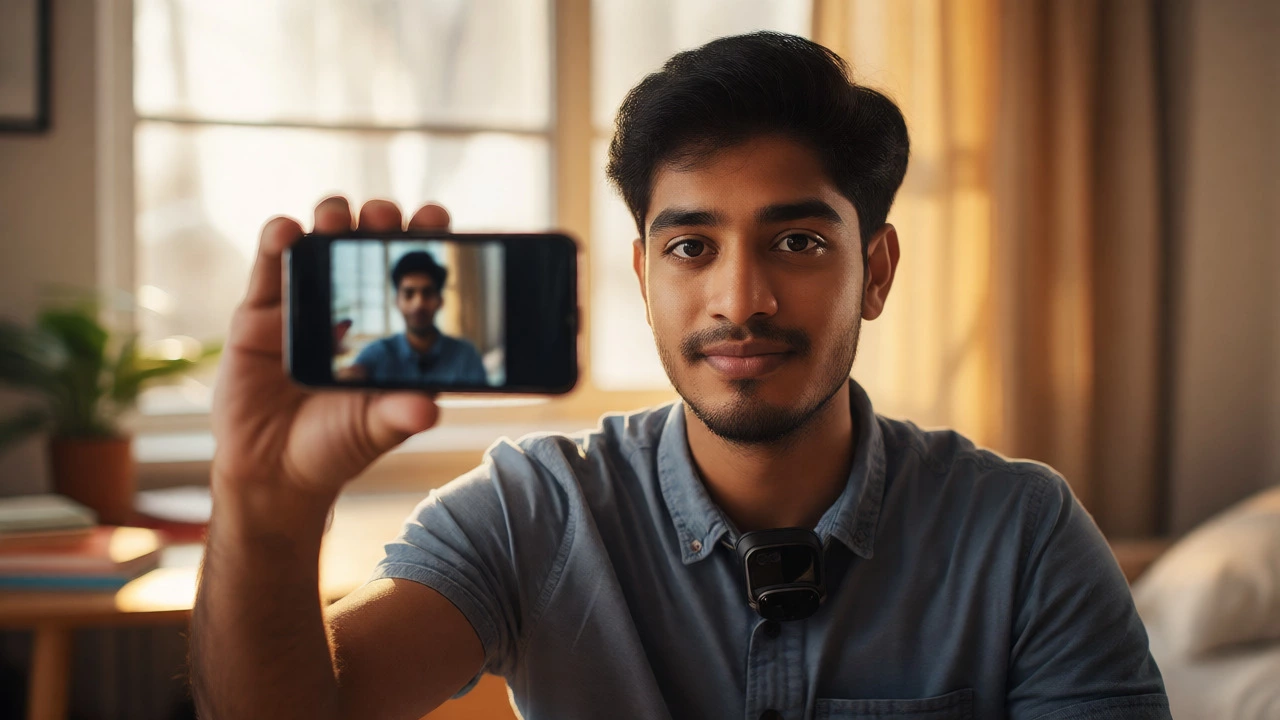
Vlogging Starter Scorecard
Use this tool to assess if you are ready to hit record. Check the boxes that apply to your current situation.
Essential Gear
- I have a smartphone (iPhone 13+, Pixel, or Samsung S21+)
- I know how to lock focus/exposure on my phone
- I have access to natural light or a simple lamp
- I have a basic lavalier mic (<$20) OR quiet recording space
- I have a free editing app installed (CapCut/InShot/DaVinci)
Content Strategy
- I have chosen a specific niche (not just "my life")
- I can sustainably produce content weekly/monthly
- I have outlined a Hook, Body, and CTA for Video #1
- I plan to use bullet points, not full scripts
- I accept that my first 10 videos are practice
You’ve watched countless creators on YouTube and short-form platforms like Instagram Reels or TikTok, thinking, "I could do that." Maybe you have a story to tell, a skill to teach, or just want to document your life. But the moment you think about pressing record, panic sets in. What camera do I buy? How do I edit? Will anyone watch?
Here is the truth: most beginners fail because they try to be perfect before they start. You don’t need a cinema camera. You don’t need a studio. You need a phone, a plan, and the courage to hit upload. This guide strips away the technical jargon and gives you a clear path from zero to your first published video.
The Gear Trap: Why Your Phone Is Enough
Stop scrolling through tech reviews. The biggest mistake new vloggers make is spending their entire budget on equipment they don’t know how to use yet. In 2026, even mid-range smartphones shoot 4K video with decent stabilization. If you have an iPhone 13 or later, a Samsung Galaxy S21 series, or any Pixel device from the last three years, you are ready to go.
Before buying anything else, master what you have. Use the native camera app. Learn how to lock focus and exposure so your face doesn’t go dark when you walk into sunlight. Practice holding the phone steady-elbows tucked in, moving slowly. Only after you’ve posted ten videos should you consider upgrading. If audio is bad, viewers will click away faster than if the picture is slightly blurry. That’s why a cheap lavalier microphone (under $20) often makes a bigger difference than a better lens.
Picking a Niche That Doesn’t Bore You
"What should I vlog about?" is the question that paralyzes most people. They look at trending topics-tech reviews, travel diaries, cooking-and pick one because it seems popular. Six months later, they quit because they hate talking about laptops or editing footage of beaches they visited once.
Choose a niche based on three things: what you already do, what you can sustainably produce, and what has an audience. Are you a student? Document your study methods. Do you cook dinner every night? Share quick, realistic meals. Do you work in retail? Show behind-the-scenes chaos. Authenticity beats production value every time. Viewers connect with personality, not polished scripts.
Don’t worry about being too narrow. "Vlogs about my life" is too vague. "Daily coding challenges as a beginner developer" is specific. Specificity helps the algorithm find your people. Once you build a core audience, you can broaden your scope. For now, stay focused.
Planning Without Overthinking
You don’t need a storyboard for every second. But going in cold leads to rambling. Use a simple structure for your first few videos:
- The Hook (0-5 seconds): State exactly what the viewer will get. "Today I’m showing how I packed for a weekend trip in under 10 minutes." No long intros, no "Hey guys, welcome back to my channel."
- The Body: Deliver the value. Keep it tight. If it takes five minutes to explain, cut it down to three. Remove pauses where you say "um" or "so."
- The Call to Action (CTA): Ask one thing only. "Subscribe if you want more quick packing tips," or "Comment below which tip was your favorite." Don’t ask for likes, shares, comments, and subscriptions all at once.
Write bullet points, not full scripts. Reading word-for-word sounds robotic. Bullet points keep you on track while letting your natural voice come through.
Filming Basics: Light and Sound
Two elements determine whether your video looks professional: lighting and sound. Everything else is secondary.
Lighting: Never film against a window unless you want a silhouette. Face your light source. Natural daylight from a window in front of you is free and flattering. If filming at night, position a lamp slightly above eye level, pointing toward your face. Avoid overhead lights that cast shadows under your eyes.
Sound: Record in a quiet room. Turn off fans, close windows, and remove echo by hanging clothes or using blankets around the recording area. If you’re outside, wind is your enemy. A simple foam windscreen on your mic helps, but finding a sheltered spot is better. Test your audio with headphones before recording the whole take.
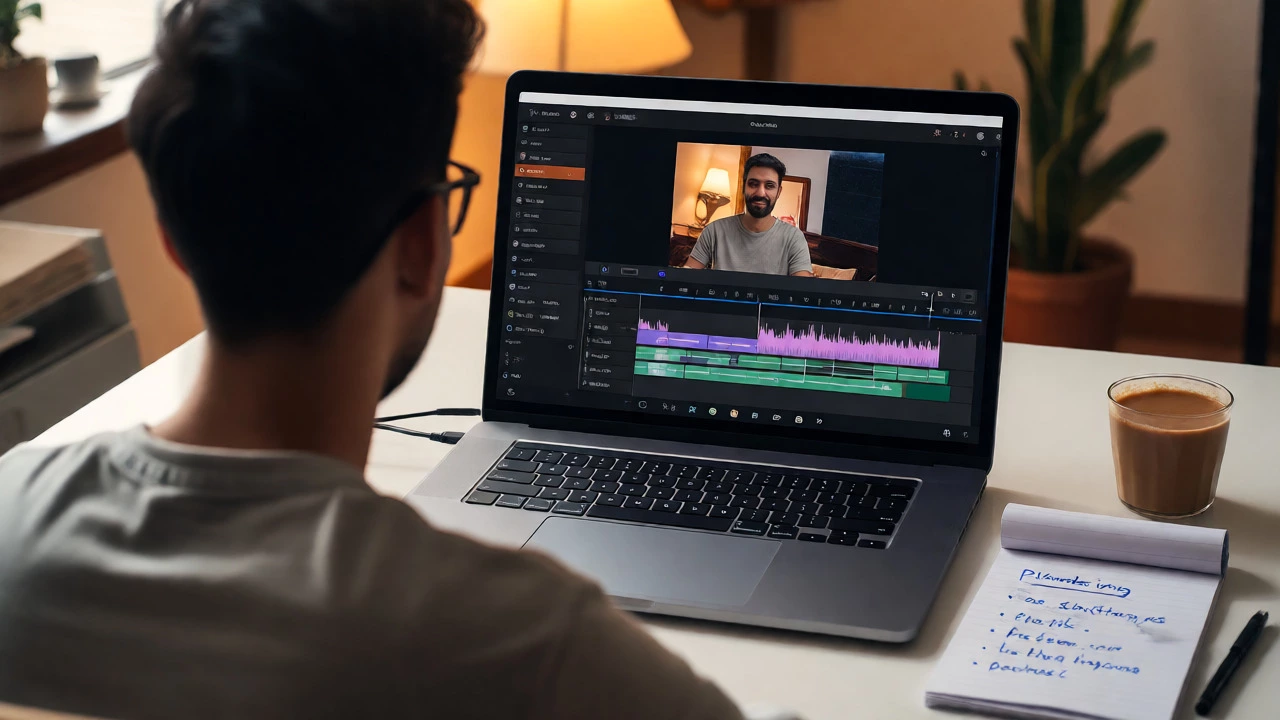
Editing Made Simple
Editing is where many beginners give up. They download complex software like Adobe Premiere Pro, stare at the timeline, and feel overwhelmed. Skip it. Start with mobile-friendly editors like CapCut, InShot, or DaVinci Resolve (free desktop version).
Follow this workflow:
- Import your clips.
- Cut out mistakes and long silences. This is called "jump cutting" and it keeps energy high.
- Add text overlays for key points. Many viewers watch without sound.
- Add background music at low volume (-20dB). Ensure it doesn’t overpower your voice.
- Export in 1080p or 4K, depending on your platform’s recommendation.
Don’t add flashy transitions between every clip. Cuts are cleaner. Save effects for emphasis, not decoration.
Publishing and SEO for Video
You made the video. Now make sure people find it. Titles and thumbnails matter more than you think.
Your title should promise value. Instead of "My Morning Routine," try "5-Minute Morning Routine for Busy Students." Include keywords people search for. Check autocomplete suggestions in YouTube search to see what others are typing.
Thumbnails must be readable on small screens. Use high-contrast images, large text (max 4 words), and expressive faces. Test your thumbnail by viewing it at 10% size on your phone screen. If you can’t read it, redesign it.
In the description, write a brief summary including your main keywords. Add timestamps for longer videos. This helps viewers navigate and boosts retention metrics.
Consistency Beats Perfection
Algorithm favors consistency. Posting one video a week for six months builds momentum. Posting ten videos in one month then disappearing kills it. Set a realistic schedule you can maintain alongside work or school. Batch-record if possible: film three videos in one day, edit them over the week.
Expect low views at first. Your first ten videos are practice. Analyze what worked, ignore vanity metrics like subscriber count initially, and focus on completion rate. If people watch till the end, the platform will show your next video to more people.
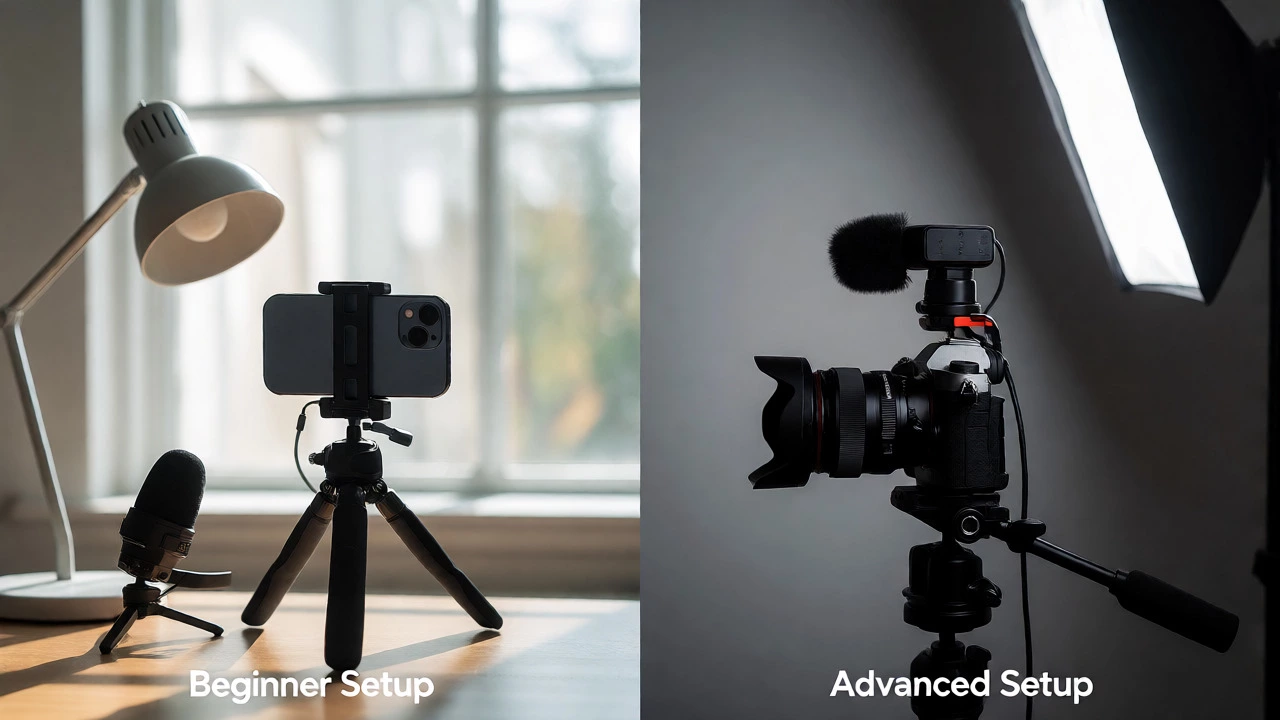
| Component | Beginner Setup (Under $50) | Advanced Setup ($500+) |
|---|---|---|
| Camera | Smartphone (iPhone/Samsung/Pixel) | Mirrorless Camera (Sony ZV-E10/Fujifilm X-S20) |
| Audio | Lavalier Mic ($15-$25) | Wireless Mic System (Rode Wireless Go II) |
| Lighting | Natural Window Light + Desk Lamp | Softbox Lighting Kit |
| Stabilization | Handheld Technique + Tripod | Gimbal Stabilizer |
| Editing | CapCut/InShot (Mobile) | Adobe Premiere Pro/DaVinci Resolve |
Common Pitfalls to Avoid
Watch out for these traps:
- Over-editing: Too many cuts, zooms, and sound effects distract from your message.
- Ignoring Analytics: Check your retention graph. See where people drop off. Was your intro too long? Did you lose interest in the middle?
- Comparing Yourself to Pros: MrBeast has a team of editors. You have yourself. Compare your video #10 to your video #1, not to someone with 10 million subscribers.
- Waiting for Inspiration: Inspiration comes during the work. Sit down, open your camera, and talk. Ideas flow once you start.
Do I need to show my face to start vlogging?
No. Faceless vlogs are huge niches, especially in cooking, DIY, gaming, and travel. You can use voiceovers, text-on-screen, or hands-only shots. However, showing your face helps build personal connection and trust faster, which can accelerate growth if you’re comfortable with it.
How long should a beginner’s vlog be?
For short-form platforms (TikTok, Reels, Shorts), aim for 15-60 seconds. For long-form (YouTube), keep it under 8 minutes initially. Shorter videos are easier to edit and hold attention better. Focus on delivering value quickly rather than filling time.
Which platform is best for starting vlogging in 2026?
It depends on your content style. YouTube is best for long-form, searchable content and monetization. Instagram Reels and TikTok excel for quick discovery and viral potential. LinkedIn is growing for professional vlogs. Start with one primary platform to avoid burnout, then repurpose content to others.
How much does it cost to start vlogging?
You can start for $0 if you already own a smartphone. Adding a basic tripod and lavalier mic costs under $50. There is no mandatory expense. Many successful creators started with nothing but a phone and free editing apps.
Should I hire an editor?
Not at first. Learning to edit yourself gives you control over pacing and storytelling. It also saves money. Once you have consistent income or a busy schedule, hiring an editor frees up time for planning and filming. Aim to handle editing for your first 20-30 videos.