1. What is your primary goal for the website?
Recommended Platform
Description goes here.
You've got a great idea for a site, but you've got zero budget for a monthly subscription. You probably wondered: can the world's biggest search engine actually store your files and serve them to visitors without charging you a penny? The short answer is yes, but it's not a one-size-fits-all deal. Depending on whether you want a simple portfolio, a professional blog, or a complex web app, Google offers completely different tools. If you pick the wrong one, you'll end up fighting with a technical interface that feels like it was built for NASA instead of a regular person.
Quick Summary of Google's Free Options
- Google Sites: Best for simple portfolios, internal wikis, and basic business landing pages.
- Blogger: The go-to for hobbyists who want a traditional blog with zero setup costs.
- Firebase: For developers who need a fast, secure way to host static sites or modern web apps.
- Google Cloud Platform (GCP): A powerful but complex option with a "Free Tier" for small-scale projects.
The Simplest Route: Using Google Sites
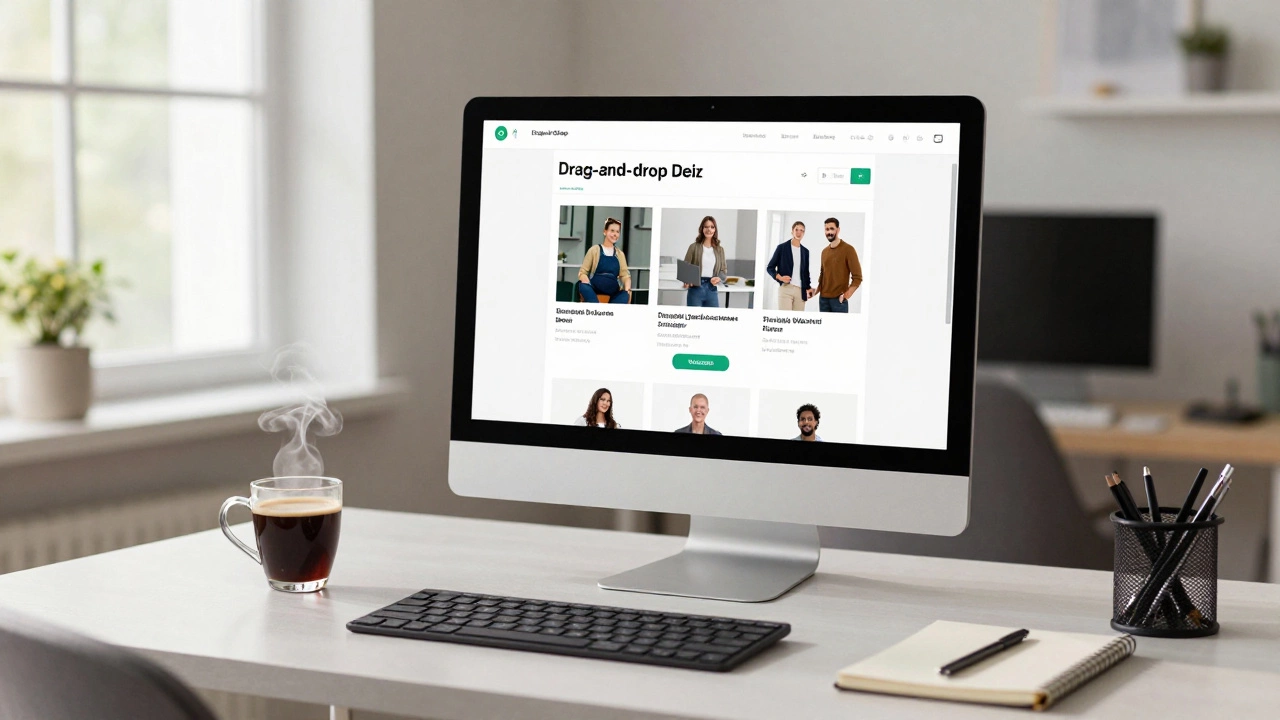
If you aren't a coder and just need a clean place to put some information, Google Sites is a free, drag-and-drop website builder included with any Google account. It doesn't work like traditional hosting where you upload folders of files; instead, it's more like building a Google Doc. You pick a layout, drop in some images from your Drive, and hit publish.
The real win here is the integration. Since it's part of the Google ecosystem, you can embed a Google Calendar, a Map, or a YouTube video in two clicks. However, there's a catch: you don't "own" the underlying code. You can't install plugins or customize the CSS to make it look exactly how you want. It's great for a wedding website or a small business landing page, but if you want to build the next big e-commerce store, you'll hit a wall very quickly.
The Classic Choice: Blogging with Blogger
Long before WordPress took over the world, Blogger (originally Pyra Blogs) was the king of the hill. To this day, it remains one of the only ways to get free google website hosting specifically designed for content creators. Unlike Google Sites, Blogger is built for chronological posts and archives.
One of the biggest perks of Blogger is that it allows for basic monetization through AdSense right from the start. If your goal is to write about your travel experiences or share cooking tips and eventually make a few dollars, this is your best bet. The trade-off is the aesthetic. Most Blogger templates look like they belong in 2012, and while you can edit the HTML, it's a bit clunky compared to modern builders. You'll get a URL like yourname.blogspot.com, though you can connect a custom domain if you buy one separately.
The Pro Path: Firebase Hosting
If you know your way around HTML, CSS, and JavaScript, you should ignore the simple builders and go straight to Firebase. This is a development platform owned by Google that provides fast and secure hosting for static and dynamic sites. It's not "hosting" in the sense of a shared server with a cPanel; it's a global Content Delivery Network (CDN), meaning your site loads incredibly fast regardless of where your visitor is located.
Firebase has a generous "Spark Plan" which is free. You get a decent amount of storage and data transfer before you ever have to pay a cent. The main hurdle is that there is no visual editor. You have to push your code via a Command Line Interface (CLI). If you're comfortable with a terminal, this is by far the most professional free option. It supports SSL (the little padlock in the browser) automatically, which is a huge deal for security and SEO.
| Feature | Google Sites | Blogger | Firebase |
|---|---|---|---|
| Technical Skill | None (Beginner) | Low (Beginner) | Medium (Developer) |
| Customization | Limited | Moderate | Full Control |
| Best Use Case | Portfolios/Wikis | Personal Blogs | Web Apps/Static Sites |
| Custom Domain | Supported | Supported | Supported |
The Heavy Lifter: Google Cloud Platform (GCP)
For those who need a full server-meaning they want to run a database, a Python script, or a custom CMS-there is the Google Cloud Platform. GCP is the enterprise-grade infrastructure that powers Google itself. They offer a "Free Tier" that includes a small virtual machine (Compute Engine) in specific US regions.
Here is where things get risky. GCP requires a credit card for sign-up to prevent bot abuse. While they give you a free trial credit (often around $300) and a "Always Free" tier for certain small instances, it is very easy to accidentally click a button and start racking up charges. Unless you are a system administrator or a serious student of cloud computing, this is usually overkill. You're essentially renting a tiny slice of a massive data center, and the learning curve is a mountain.
Common Pitfalls to Avoid
When people look for free hosting, they often overlook the long-term consequences. The biggest mistake is relying on a platform you don't control. For instance, if you build a massive site on Google Sites and later decide you want a sophisticated e-commerce setup, you can't just "export" the site to another host. You'll have to rebuild it from scratch.
Another common issue is the "subdomain trap." Using a URL like mycoolsite.blogspot.com tells the world you're an amateur. While the hosting is free, spending five dollars a year on a .com or .net domain and linking it to your free Google service makes you look ten times more professional. Most of Google's free tools allow this, but you have to buy the domain from a registrar first.
Which One Should You Pick?
If you're still undecided, ask yourself what the site's primary goal is. Do you just need a place to show off your photography and a contact form? Use Google Sites. It's the fastest path from "idea" to "online." Do you want to write a daily journal or review movies and maybe earn some ad revenue? Blogger is your best friend. Are you building a custom portfolio using a framework like React or Vue.js? Firebase is the only answer.
If you find that none of these fit-perhaps you need a full WordPress installation with a database-you might have to look beyond Google. While GCP can host WordPress, it's not "free" in a simple way; it's an engineering project. For most people, the trade-off between "totally free" and "easy to manage" usually lands on the three main services mentioned above.
Is Google Sites actually free forever?
Yes, Google Sites is free for anyone with a standard Google account. There are no monthly subscription fees or hidden costs for the basic builder. You only pay if you decide to buy a custom domain name from a third-party provider.
Can I use a custom domain with Blogger?
Absolutely. While Blogger gives you a free .blogspot.com address, you can go into the settings and link a domain you've purchased (like .com or .org). This is highly recommended if you want to build a professional brand.
What is the difference between Firebase and Google Cloud?
Firebase is a simplified platform designed specifically for app and web developers. It abstracts the complex server management. Google Cloud Platform (GCP) is the full-scale infrastructure tool used by large companies to manage virtual machines, big data, and complex networking.
Do these free services affect my SEO?
Not necessarily. Google doesn't penalize you for using their own tools. However, Blogger and Google Sites have limited control over metadata and technical SEO compared to a self-hosted WordPress site. For most small projects, they are more than enough to rank in search results.
Can I host a WordPress site on Google for free?
Not through the simple builders. You can technically install WordPress on a Google Cloud Platform (GCP) virtual machine using their free tier, but this requires significant technical knowledge and a credit card for verification. It is not a "plug-and-play" free experience.
Next Steps for Your Website
If you've decided to go with one of these, your first move should be to secure your domain name. Don't wait until your site is finished to think about the URL; the best names get taken quickly. Once you have your domain, set up your Google account and pick your platform based on the technical skill level we discussed.
If you run into trouble with Firebase, check the official documentation for the CLI installation. For Google Sites, start by browsing their template gallery-it's often easier to tweak an existing design than to start with a blank white page. If you're using Blogger, spend an hour searching for "third-party Blogger templates" to find a look that is more modern than the default options.