
Blog Privacy Checker
Find out if your blog visit can be tracked by the blog owner based on your browsing habits.
Privacy Check
Answer these questions to see if your visit can be detected:
Answer questions to see your privacy status
Privacy Tips
- Use incognito mode to prevent cookies from tracking your visit
- Disable cookies for specific sites in your browser settings
- Never log in to blogging platforms while viewing other blogs
- Consider a VPN to mask your IP address
Ever scrolled through someone’s blog and wondered-can they tell I was there? Maybe you clicked on a post from an old friend, read a stranger’s travel journal, or revisited a blog you once loved. You didn’t comment. You didn’t like. You just read. And now, quietly, you’re paranoid: Did they know?
The short answer? No, not unless they’re using specific tools. Most blogs don’t track individual visitors. But there are exceptions. And knowing the difference can save you from unnecessary worry-or help you protect your own blog better.
How Blog Views Are Actually Tracked
Blogs don’t have X-ray vision. They can’t see who’s reading unless they’ve set up tools to collect that data. The most common way blogs track visitors is through analytics platforms like Google Analytics, Matomo, or WordPress stats.
These tools collect broad patterns: how many people visited, where they came from, what posts got the most clicks, how long they stayed. But they don’t identify you by name, email, or IP address unless you’re logged in or have cookies enabled from a previous visit.
Think of it like a public library. The librarian knows 12 people checked out books today. They know which titles were popular. But they don’t know who you are unless you signed your name on a logbook. Most blogs don’t have that logbook.
When They CAN Tell You Were There
There are a few situations where someone might know you visited their blog:
- You’re logged into the same platform-If you’re signed into WordPress, Blogger, or Medium, and you view a blog on that same platform, the owner might see your username in their dashboard. For example, if you’re logged into WordPress.com and read a blog hosted there, your profile might appear in their “Recent Readers” list.
- They use visitor identification tools-Some bloggers install tools like Hotjar, Crisp, or Clarity that show heatmaps and session recordings. These can sometimes reveal browser details, screen size, or even location-but not your real identity.
- You commented or interacted before-If you’ve left a comment, shared a post, or liked something on their blog, your browser might still have cookies linked to your activity. Returning visitors can be flagged as “repeat readers.”
- They’re using a custom tracking script-A few bloggers, especially those with tech-savvy setups, add custom JavaScript that logs IP addresses or device fingerprints. This is rare on personal blogs but common on business sites or high-traffic platforms.
None of these methods give someone your real name, phone number, or home address. At worst, they might guess you’re from a certain city or use a Mac. That’s it.
What You Can’t See-And Why
Here’s what most bloggers can’t do:
- Track anonymous visitors by name
- See which exact page you clicked on if you didn’t interact
- Know if you opened their blog on mobile vs. desktop unless they use advanced analytics
- Identify you if you’re using private browsing, a VPN, or a different device
Even if you visit a blog 50 times, if you never log in, comment, or share, you’re invisible. Most blog owners don’t even check their analytics daily. They care about total traffic, not who clicked.
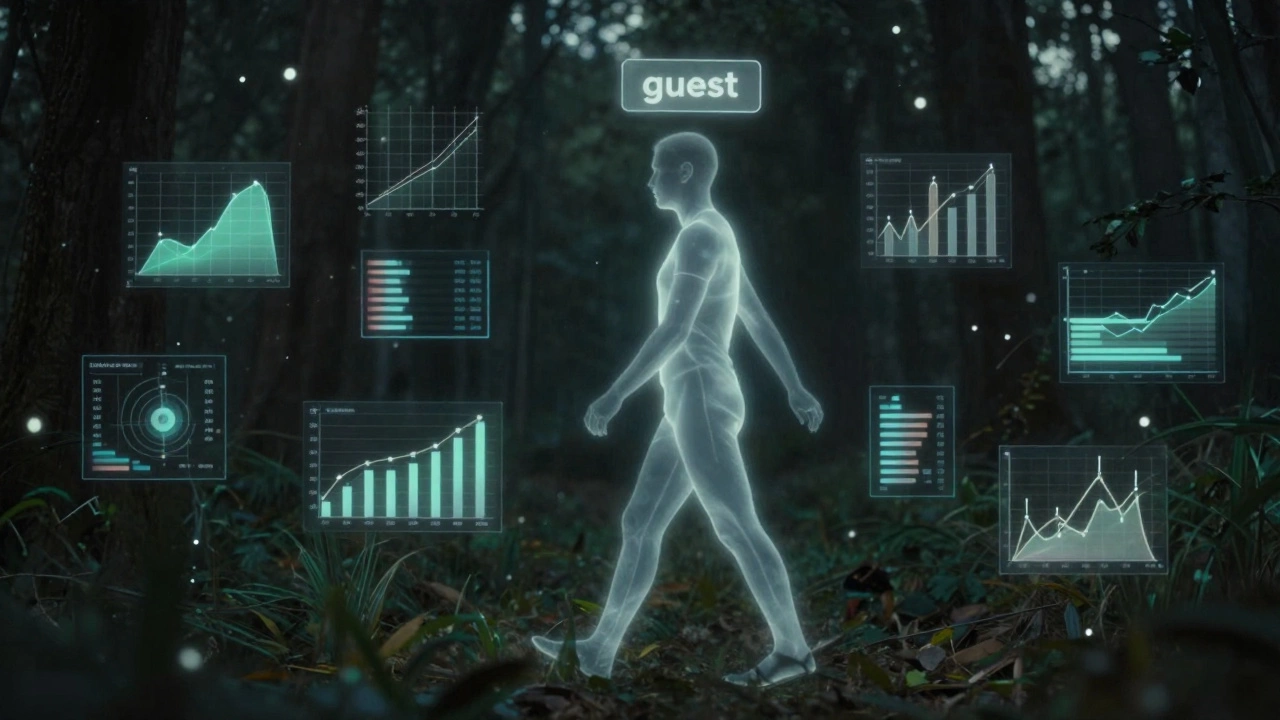
How Bloggers Actually Know Who Visits
If a blogger says, “I saw you came by,” here’s what’s probably happening:
- You commented under your real name or username.
- You shared their post on social media and tagged them.
- You’re subscribed to their newsletter and opened an email they sent.
- You’re a regular reader and they recognize your browsing pattern (e.g., you always read their Monday posts).
There’s no magic. No spyware. Just data you left behind.
How to Browse Blogs Without Being Tracked
If you want to read anonymously, here’s how:
- Use private/incognito mode in your browser.
- Turn off cookies for that site (in browser settings).
- Use a VPN to mask your IP address.
- Avoid logging into any blogging platform while browsing others.
- Don’t comment, like, or share unless you want to be known.
That’s it. You don’t need special software. You don’t need to be tech-savvy. Just browse like a ghost.
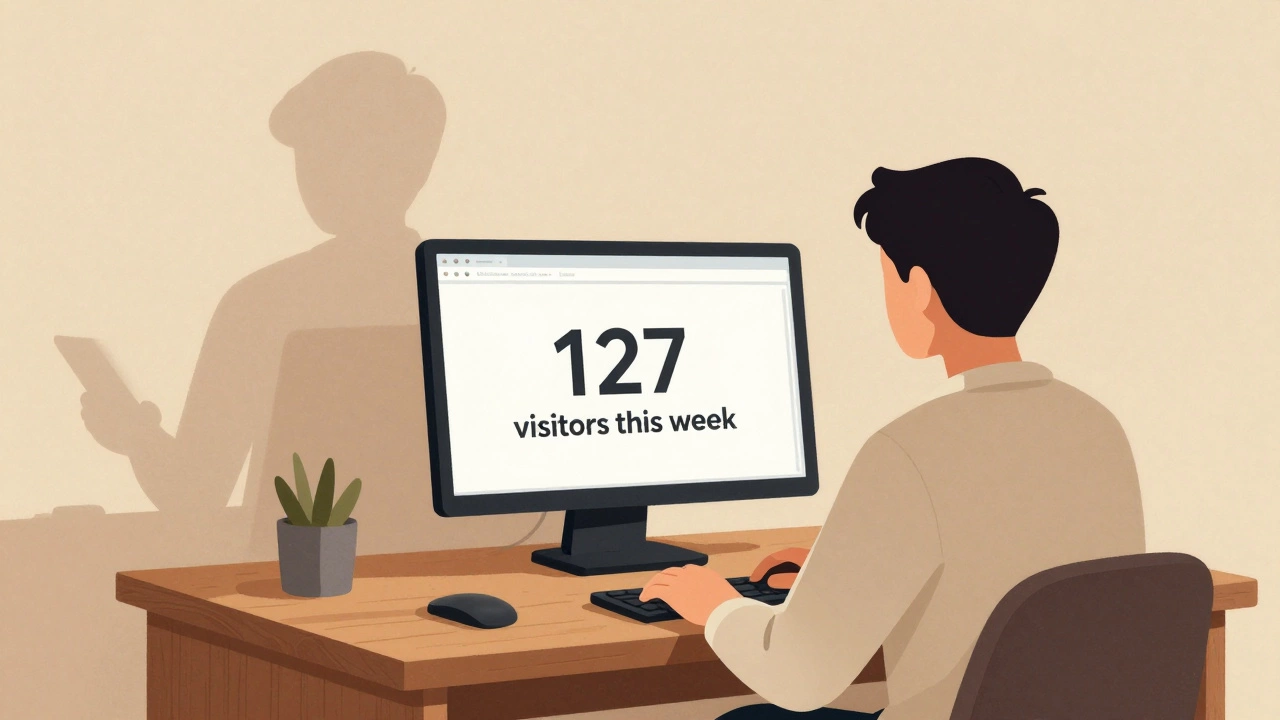
What Bloggers Should Know About Privacy
If you’re the one running the blog, remember: most visitors don’t want to be watched. If you’re tracking people without telling them, you’re crossing a line.
Google Analytics doesn’t require consent in many countries-but GDPR and other privacy laws do. If you’re collecting data, you must:
- Display a cookie consent banner.
- Allow users to opt out.
- Not store personal data without permission.
Respectful bloggers use analytics to improve content-not to snoop. If you’re building a blog, focus on helping readers. Don’t turn your space into a surveillance zone.
Real Example: Why This Matters
A woman in Ohio read a blog about grief after losing her mother. She visited it 17 times over three weeks. She never commented. She didn’t share. She just read.
One day, the blogger replied to a comment with: “I noticed you’ve been visiting lately. I’m glad it helped.”
The woman froze. She hadn’t told anyone she was reading it. She felt exposed.
Turns out, the blogger used a free WordPress plugin that showed recent visitors. The woman’s username was linked to her WordPress account. She hadn’t realized she was logged in.
She never visited again.
This isn’t about fear. It’s about trust. If you’re reading someone’s story, you should be able to do it without feeling watched.
Final Truth: No One’s Watching You
Here’s the quiet reality: 99% of bloggers have no idea who’s reading their posts. They’re too busy writing, editing, or trying to get their first 100 readers.
You can read every post on a blog without ever leaving a trace. No one will notice. No one will care. And if someone does? It’s probably because you left something behind-like a comment, a like, or a login.
So read freely. Explore deeply. Don’t overthink it. Your curiosity isn’t a crime. And no, they can’t tell you were there.