Website Startup Cost Calculator
Estimate Your Website Costs for 2026
Calculate your total cost based on your specific needs and choices
Estimated Cost Breakdown
Total: £0No calculation performed yet
Starting a website doesn’t have to cost thousands. In fact, you can launch a fully functional site for under £50 in 2026. But if you’re thinking about building a professional site-something that attracts visitors, ranks on Google, or even makes money-you need to know where your money actually goes. Let’s break it down, step by step, with real numbers and no fluff.
Domain Name: Your Website’s Address
Your domain name is like your street address. Without it, no one can find you. Most people pick a .com, but you can also use .co.uk, .net, or newer options like .ai or .store. In the UK, a standard domain costs between £5 and £15 per year. Some providers, like Namecheap or Porkbun, offer first-year deals as low as £1. But watch out: those cheap prices often jump to £12-£20 after the first year. Always check the renewal price before you buy.
Pro tip: If you’re serious about building a brand, avoid free domains like yoursite.wordpress.com. They look unprofessional and hurt your credibility. Stick to your own domain, even if it’s just £10 a year.
Website Hosting: Where Your Site Lives
Hosting is where your website’s files are stored so people can access them. Think of it like renting a space for your online shop. For beginners, shared hosting is the way to go. It’s cheap, simple, and works fine for most small sites.
In 2026, shared hosting in the UK starts at £2.50 per month with providers like Hostinger, SiteGround, or Namecheap. That’s less than £30 a year. Some plans include a free domain for the first year, which saves you money upfront. If you’re planning to run an online store or expect heavy traffic, you might need VPS hosting, which costs £10-£30/month. But if you’re just starting out, stick with shared hosting.
One thing to remember: free hosting services (like GitHub Pages or Wix free plan) come with limits. You can’t use your own domain, you’ll have ads on your site, and you won’t own your content. Not worth it if you want to grow.
Website Builder or CMS: Making Your Site
This is where most people get stuck. Do you build from scratch? Use WordPress? Or pick a drag-and-drop builder?
Website builders like Wix, Squarespace, or Weebly are easy. They charge £10-£25 per month, which includes hosting and a domain. Perfect if you don’t want to mess with code. But you’re locked into their system. If you ever want to switch, you can’t easily take your site elsewhere.
WordPress.org is the most popular choice. It’s free to download, but you need hosting (which you pay for). Add a premium theme (like Astra or GeneratePress) and you’re looking at £50-£100 one-time cost. Plugins like Elementor (free version) let you design without coding. Most people spend £50-£150 total for their first WordPress site, including theme, plugins, and setup.
Don’t waste money on expensive builders unless you need advanced features. For 90% of personal blogs, small businesses, or portfolios, WordPress + a £40 theme is more than enough.
Design and Customization: Do You Need a Pro?
If you’re tech-savvy, you can design your own site using free templates. But if you’re not, hiring a designer might save you time-and headaches.
Freelancers on Upwork or Fiverr charge £50-£300 to set up a WordPress site for you. That includes installing the theme, adding content, setting up contact forms, and optimizing for mobile. If you’re not comfortable doing it yourself, this is a smart investment. You’ll save hours of frustration and end up with a cleaner, faster site.
But don’t pay £1,000+ for a basic site. That’s overpriced unless you need custom coding, e-commerce features, or complex functionality. Most small websites don’t need it.
SSL Certificate and Security
Your site needs an SSL certificate. It’s what turns your URL from http:// to https://. It keeps data safe and tells Google your site is trustworthy. The good news? Most hosting providers include it for free. You don’t pay extra.
But if you’re using a free builder or old hosting plan, you might need to buy one. That costs £10-£30/year. Always confirm your host includes SSL. If they don’t, switch hosts.
Security plugins like Wordfence or Sucuri cost £50-£100/year if you want premium protection. For a simple blog, the free version works fine. Only upgrade if you handle payments, user logins, or sensitive data.
Optional Costs: What You Don’t Need Right Away
Here’s what people often waste money on when starting out:
- Premium plugins - You don’t need 10 plugins on day one. Start with free ones.
- Custom logos - Use Canva (free) to make one. Pay £20-£50 later if you want a pro designer.
- Stock photos - Unsplash and Pexels offer free, high-res images. No need to pay for Shutterstock yet.
- SEO tools - Google Search Console and Ubersuggest (free) are enough to start. Don’t buy SEMrush or Ahrefs until you’re ready to scale.
- Marketing ads - Spend £0 on ads until you have content people want to read.
These are nice-to-haves. Not must-haves. Skip them until your site is live and getting traffic.
Total Cost Breakdown: What You’ll Actually Pay
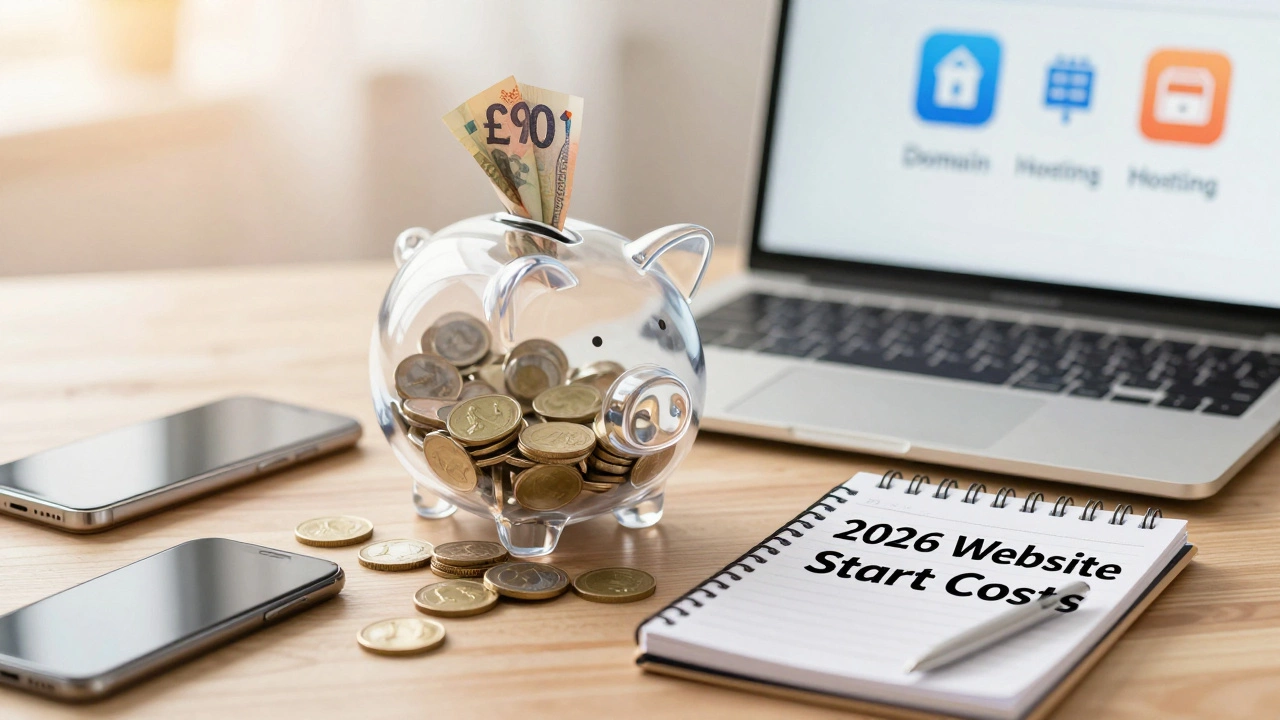
Here’s the real math for a basic website in 2026:
| Item | Cost (GBP) |
|---|---|
| Domain Name (.com or .co.uk) | £10 |
| Shared Hosting (12 months) | £30 |
| WordPress Theme (one-time) | £50 |
| Essential Plugins (free or one-time) | £0-£20 |
| Design Help (optional) | £0-£150 |
| Total | £90-£260 |
That’s it. You can launch a professional-looking site for under £100. If you do everything yourself, you can even get it done for £40.
What Happens After the First Year?
Year two is where most people get surprised. Renewal fees add up:
- Domain: £10-£15/year
- Hosting: £30-£60/year (if you upgrade)
- Theme updates: usually free, but premium themes may charge £30/year for support
- Security or backup plugins: £30-£80/year
So plan for £100-£200/year to keep things running smoothly. But remember: once your site is built, most costs are predictable. No hidden fees. No surprise bills.
Common Mistakes That Cost You Money
- Buying a domain from a hosting company that locks you in - always transfer it to a standalone registrar like Namecheap.
- Choosing the cheapest hosting plan without checking reviews - slow servers hurt your traffic.
- Using too many plugins - they slow your site down and create security risks.
- Trying to design your site on a phone - it’s nearly impossible. Use a laptop or desktop.
- Waiting to buy your domain until you’re ‘ready’ - the name you want might be taken.
Start small. Launch fast. Improve later. Your first version doesn’t need to be perfect. It just needs to exist.
What If You Want to Make Money Later?
Once your site is live, you can add monetization: affiliate links, ads, digital products, or services. But don’t rush it. Focus on content first. A site with 10 solid posts and 1,000 monthly visitors can earn £50-£200/month with simple ads. That’s more than enough to cover your yearly costs.
The key? Don’t spend money to make money. Build value first. The money follows.
Can I start a website for free?
Yes, but you’ll sacrifice control and professionalism. Free platforms like Wix or WordPress.com let you build a site without paying, but you’ll have their branding on your URL (like yoursite.wix.com), limited design options, and no ownership of your content. If you’re just testing an idea, go ahead. But if you want to build a real business or brand, spend £50-£100 upfront. It’s the cheapest way to look credible.
Do I need to pay for a website builder?
No, not if you use WordPress.org. The software itself is free. You only pay for hosting and a theme. Website builders like Wix or Squarespace bundle hosting and design into one price, which is convenient but more expensive long-term. For beginners, WordPress gives you more freedom and better value.
Is hosting really that important?
Extremely. Your site’s speed, uptime, and security depend on your host. Cheap hosts might save you £5/month, but if your site crashes during a sale or takes 8 seconds to load, you’ll lose visitors and sales. Stick with reputable providers like SiteGround, Hostinger, or Cloudways. They’re not the cheapest, but they’re reliable. Pay a few extra pounds for peace of mind.
How long does it take to build a website?
If you use a website builder, you can have a basic site up in a day. With WordPress, it takes 2-5 days if you’re doing it yourself. The biggest time sink is writing content, not building the site. Focus on getting 3-5 solid pages live first: Home, About, Contact, and one blog post. You can add more later.
Should I buy a pre-made website?
Only if you’re in a hurry and know exactly what you need. Pre-made sites on marketplaces like TemplateMonster or ThemeForest cost £50-£200. They’re functional, but you still need to customize them. You’re not saving time or money compared to building from scratch with a free theme. Most people end up paying more to fix them than if they’d started fresh.