Simple Website Page Calculator
Recommended pages:
Most people think a website needs to be huge to be useful. You see big brands with dozens of pages - About, Services, Blog, Testimonials, Contact, FAQ, Careers - and assume you need the same. But that’s not true. A simple website doesn’t need to be complex. In fact, the most effective ones are often the smallest.
What counts as a simple website?
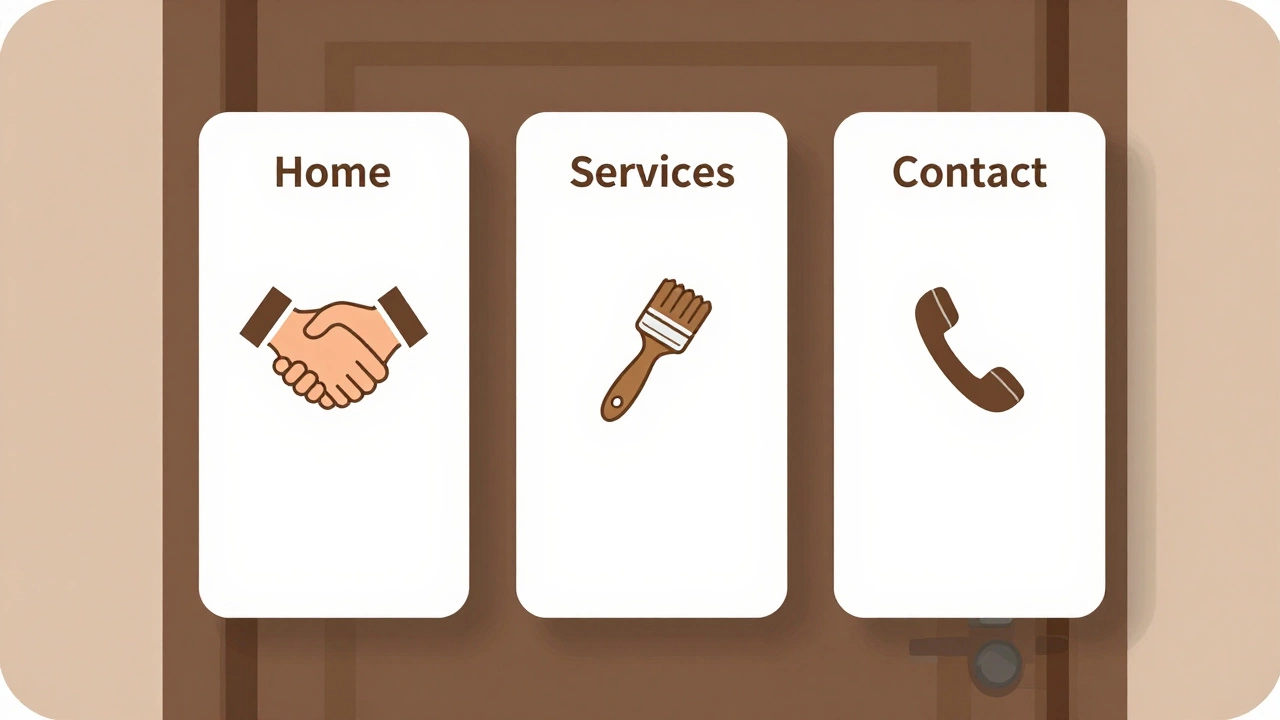
A simple website is built for one clear purpose: to give visitors the essential info they need, fast. It’s not meant to be a digital catalog or a content hub. Think of it like a front door to your business, not the whole house.
Examples include:
- A local plumber who wants people to call or book online
- A freelance graphic designer showing their best work
- A baker selling custom cakes to neighbors
- A yoga instructor offering class schedules
These aren’t startups chasing millions of visitors. They’re individuals or small teams who need to connect with real people nearby - or online - without noise.
The core pages every simple website needs
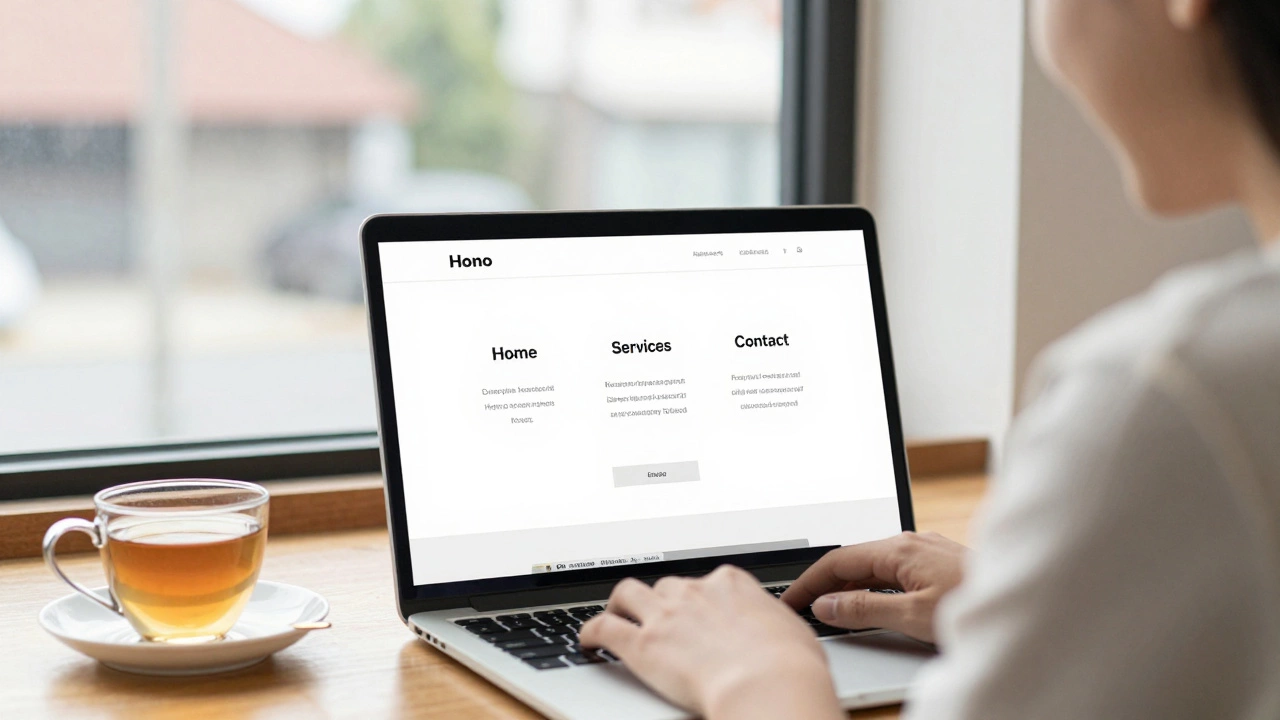
There are exactly three pages that cover 95% of what a simple website must do:
- Home - This is your one-sentence pitch. What do you do? Who’s it for? Why should they care? No fluff. Just clarity.
- Services or Portfolio - If you offer something, show it. If you make things, show your work. One page. No need to split into "Web Design," "Logo Design," and "Branding." Group it. People don’t need 10 subcategories. They need to see what you can do.
- Contact - Make it easy to reach you. Phone, email, a simple form. Add your location if you serve a local area. That’s it.
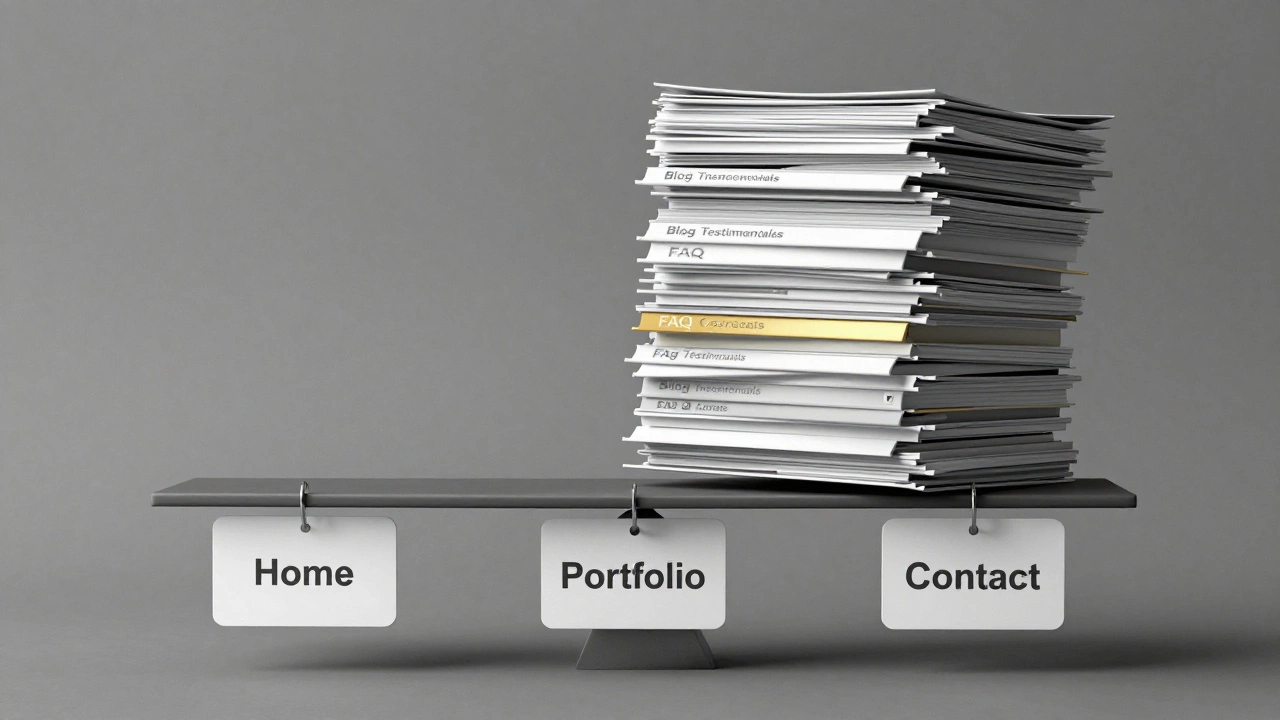
That’s it. Three pages. That’s the baseline. No blog. No testimonials page (unless you have three solid ones). No team page. No press mentions. Skip them until you need them.
When you might add a fourth page
Some simple websites grow one extra page - and only if it solves a real problem.
About is the most common fourth page. Not because it’s required, but because people trust people. If you’re a coach, artist, or consultant, a short bio helps. But keep it real. Not "I graduated from Harvard and have 12 years of experience." Try: "I started fixing websites for friends in 2018. Now I help small shops get found online."
Another fourth page? FAQ. Only if you get the same question three times. Like: "Do you work with out-of-town clients?" or "How long does a website take?" Put that answer on a page. Don’t write it in emails over and over.
Don’t add a page just because you think you should. Add it because someone asked for it.
What you should never include
Here’s what most beginners add - and regret later:
- Blog - Unless you’re planning to write weekly, skip it. A blog turns your simple site into a content machine. That’s great if you want traffic. But if you just want clients? It’s a distraction.
- Testimonials page - Put one or two on your Home page. That’s enough. A whole page of quotes feels fake if you’re new.
- Case studies - Save these for when you have 10+ clients. One page with three bullet points works better than 500 words.
- News or press - You don’t have press. Don’t make up a section.
- Multiple contact forms - One form. One email. One phone number. If you’re getting too many emails, you’re doing something right.
These extras don’t build trust. They dilute focus. And when your site has too many pages, visitors get lost.
Real examples from real small businesses
Take Sarah, a freelance illustrator in Brighton. Her site has three pages:
- Home: "I draw custom portraits for pet owners. Get yours in 3 days."
- Portfolio: 8 images. No categories. No captions. Just pictures.
- Contact: Email, Instagram link, and a simple form.
She gets 15-20 orders a month. No blog. No testimonials. No About page. She added her bio to her Instagram. That’s enough.
Or James, a handyman in Manchester. His site:
- Home: "Fixing leaks, fitting shelves, and fixing what’s broken. Serving Salford and nearby areas."
- Services: 4 bullet points: Plumbing, Carpentry, Electrical Checks, General Repairs
- Contact: Phone number, WhatsApp link, and a map showing his service radius.
He doesn’t have a blog. He doesn’t need one. People search for "plumber near me" - not "best plumbing blog." His site works because it answers one question: "Can you fix this?"
How long does it take to build a 3-page site?
With a website builder like Wix, Squarespace, or WordPress + a simple theme? You can have a working site in under 4 hours.
Here’s the breakdown:
- 1 hour: Pick a template, add your name and logo
- 1 hour: Write your Home page (use this formula: Who you are + What you do + Who it’s for + What happens next)
- 1 hour: Add 5-8 examples of your work to the Services/Portfolio page
- 1 hour: Set up your Contact page with your phone, email, and a form
That’s it. No coding. No design degrees. No hiring a developer. Just clarity and action.
What about SEO? Do I need more pages for Google?
No. Google doesn’t care how many pages you have. It cares if your page answers the question people are asking.
For example, if someone searches "emergency plumber Manchester," your 3-page site with "Plumbing Services" on it and your location clearly listed will rank higher than a 12-page site with vague content.
Focus on getting your name, service, and location right on your three pages. That’s what Google needs. Not more pages. Not more blog posts. Just clear, local, useful info.
What’s the minimum? Can you have less than three?
Yes. But only if you’re using a platform that handles contact for you.
Some people use just a single page - a landing page - hosted on Carrd or Canva. It includes:
- Your name and what you do
- 3 examples of your work
- A button that says "Book a call" or "Send me a message"
That’s it. And it works. Especially for freelancers, artists, or coaches who don’t need a full website - just a digital business card with a call to action.
But if you want to own your space - and not rely on a third-party tool - go with three pages. It’s the sweet spot between simple and solid.
Final rule: Add pages only when you have proof you need them
Don’t plan for growth. Build for now.
Ask yourself: "What’s the one thing a visitor needs to do after landing here?" If it’s "call me," then make sure they can do that in 3 seconds. No menus. No dropdowns. No extra clicks.
Most people overbuild. They think more pages = more professional. But the truth? Simplicity builds trust. Clarity builds results.
Your website doesn’t need to be big. It just needs to work.
Is a 3-page website enough for a small business?
Yes. Most small businesses - like plumbers, designers, tutors, and local shops - only need three pages: Home, Services (or Portfolio), and Contact. These pages answer the main questions visitors have: What do you do? Can you help me? How do I reach you? Adding more pages often slows people down instead of helping them.
Do I need a blog on my simple website?
No, not unless you plan to write regularly. A blog turns your website into a content project. If your goal is to get clients, not traffic, skip it. Blogging takes time - and most small business owners don’t have it. Focus on your core pages first. Add a blog only after you’ve started getting steady inquiries and want to build authority over time.
Can I build a simple website myself?
Absolutely. Tools like Wix, Squarespace, and WordPress with a simple theme let you build a clean, professional site in under 4 hours. You don’t need to know code. Just pick a template, write clear text, add your photos, and connect your contact form. Many people do this themselves - and save hundreds or even thousands of dollars.
What’s the cheapest way to make a simple website?
Use a website builder with a free plan or low-cost monthly subscription. Wix and Carrd offer free tiers that are good enough for basic sites. You’ll pay around £5-£12 per month for a custom domain and better features. Hosting a site on WordPress.com starts at £4/month. Avoid hiring a developer unless you need custom features - for a simple site, you don’t.
Should I add testimonials to my website?
Only if you have real ones. One or two short quotes on your Home page can help. But don’t create a whole testimonials page unless you have 5+ strong reviews. Fake or weak testimonials hurt trust more than they help. If you’re new, focus on showing your work clearly instead.
Next steps: Build your 3-page site today
Here’s your action plan:
- Write your Home page message using this template: "I help [audience] do [result] without [pain point]."
- Gather 5-8 clear photos or screenshots of your work.
- Choose a website builder and pick a clean template.
- Build your three pages: Home, Services/Portfolio, Contact.
- Launch it. Share it with three people. Ask: "What’s the first thing you’d do if you needed my service?"
Don’t wait for perfect. Wait for done. Your first website doesn’t need to be fancy. It just needs to work.